
All SIMs are dispatched in a suspended state. To activate them, each SIM must be assigned to a user on your CentralFlex portal, connecting it to its data bundle. Please follow the steps below to configure your FlexiSIM.
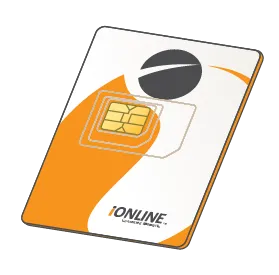
Insert the SIM into
your device.

Set the APN. The details will be included in your delivery note from the iONLINE team.

Turn network data
roaming on.
…and that’s it! Give it a few minutes to connect and you are ready to go.
If you have any issues setting up your FlexiSIM, please contact our team.